
- Home
- Knowledge hub
Remote Access, Service, Monitoring for Industrial Robots & Cobots
4 min. read
Shelly Boom
With industrial robots becoming more prevalent in manufacturing environments, the need for remote access, service and monitoring rises to reduce robot downtime. Discover how you can provide remote service with full access to your industrial robots and cobots.
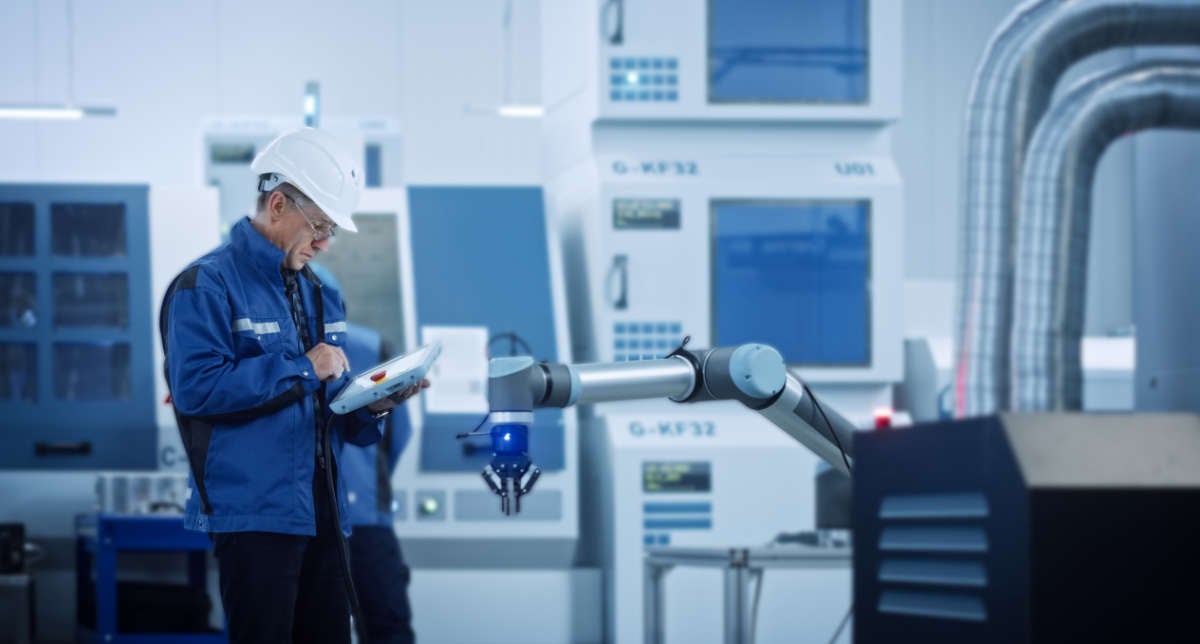
With IXON’s Industrial IoT solution you can remotely access and control industrial robots from any major robotics brand via a web-based platform.
Using IXON Cloud you get instant and easy access to your collaborative robots over a secure VPN connection from anywhere in the world. In our dashboard you can even configure secure access to attached and integrated components that are normally accessed via VNC or HTTP.
IXON Cloud is compatible with several robotic brands for VPN access, such as:
|
ABB robotics |
Aubo robotics |
Automata (Eva robot) |
|
Comau |
Doosan |
Epson robotics |
|
Kawasaki robotics |
||
|
KUKA |
Nachi |
|
|
Omron |
OTC Daihen |
Panasonic robotics |
|
Sawyer |
Stäubli |
Techman |
|
KEBA |
If your brand isn’t listed here, please get in touch with us to check the compatibility of your product.
To access your robotics remotely, IXON has developed the IXrouter and SecureEdge gateways. Both gateways are a combined Industrial VPN router and IoT edge gateway that is fully compatible with all industrial robots. The gateway enables cloud connectivity to your robot for remote programming, remote monitoring and remote troubleshooting. It also allows additional services like VNC and HTTP to access local web servers and control HMI panels.
Each gateway has four ethernet ports to connect industrial robots (or PLCs or other peripherals), and one WAN port to connect it to the internet. There are multiple versions of the gateways supporting additional ways to get internet access:
Each edge gateway has the option to activate data and alarms with Machine Insights Cloud. Simply choose a way to get internet access, connect your robot or cobot and you’re all set.
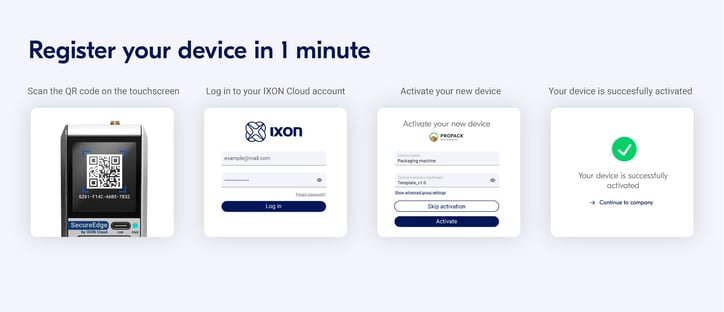
Once you have an IXON edge gateway, you can easily connect your robot or cobot to the IXON Cloud portal. Just follow a few simple steps, and it’s done in minutes thanks to the Plug & Play set up. Create an IXON Cloud account, configure the gateway and set up a secure VPN connection to connect your PLC to the IXON Cloud.
Once your device is activated, you can log into your IXON Cloud account to set up a secure VPN connection to your robot or cobot. Choose the device you want to connect to and press the VPN button. Now, a secure VPN tunnel is created from your computer, via the IXON Cloud to your connected robot.
By connecting to the robot's teach pendant via VNC, you can completely operate it remotely via your desktop or smartphone. After you’ve configured the VNC connection in your IXON Cloud account, you can remotely view, configure and control the robot arms by taking over its screen.
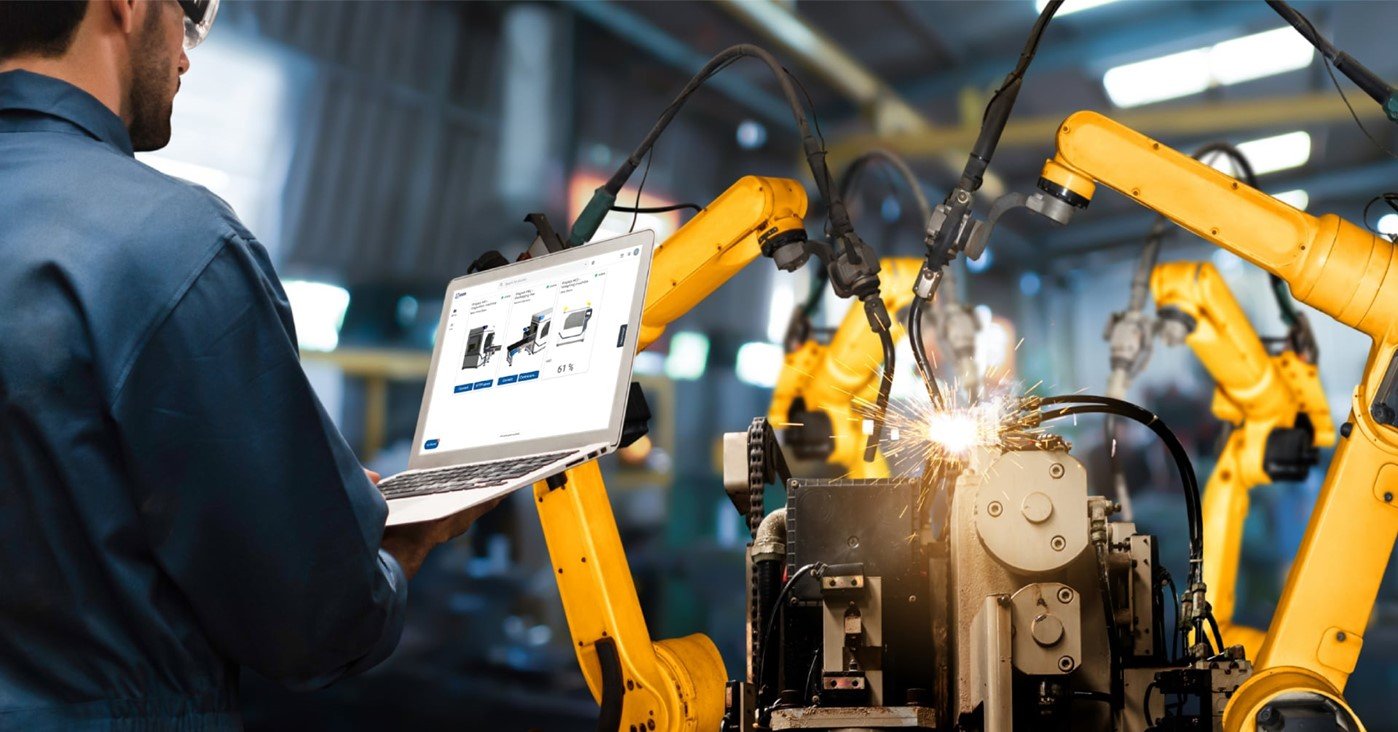 How to extract data from robots with IXON Cloud
To collect data from your robot, you have to configure the robot parameters you’d like to log and choose when these need to be logged (on interval, on change or using a custom trigger). Data from the robot is then monitored and cached locally by the edge gateway. When it meets the condition criteria the data will instantly be transmitted to the cloud.
The IXrouter and SecureEdge gateways support several industrial protocols to automatically read data from industrial robots. Data can be transmitted to the IXON Cloud to make it available for data visualisation, data analysis, alarms, or integration with external platforms via the API.
With Machine Insights Cloud you can configure the data protocol and device address from your IXON Cloud account without any coding. Push the configuration settings to the IXrouter or SecureEdge gateway and it will automatically read the data and store it on the IXON Cloud.
Once your data is collected from your robot and securely stored in IXON Cloud, you can use it to configure custom dashboards. With the drag & drop editor, you can add widgets and build multiple dashboards based on the collected data. Add a gauge, period, tables or graph widget to create a data report or live monitor for your industrial robots. IXON’s API makes it possible to combine robot data with data from other sources.
To create and receive alarms from your robots you need IXON’s Machine Insights Cloud. Choose the variable, the priority, set the condition and instructions for the operator. Next, define who must receive a mobile push message or email when the alarm is triggered.
Want to get started right away? Request a quotation.